Organize Your Etsy Shop: Mindful Digital Planners & Trackers for Creatives
Transform administrative dread into a calming weekly routine with a mindful Etsy seller planner system designed specifically for creative minds.
Heather Middleton
October 16, 2026
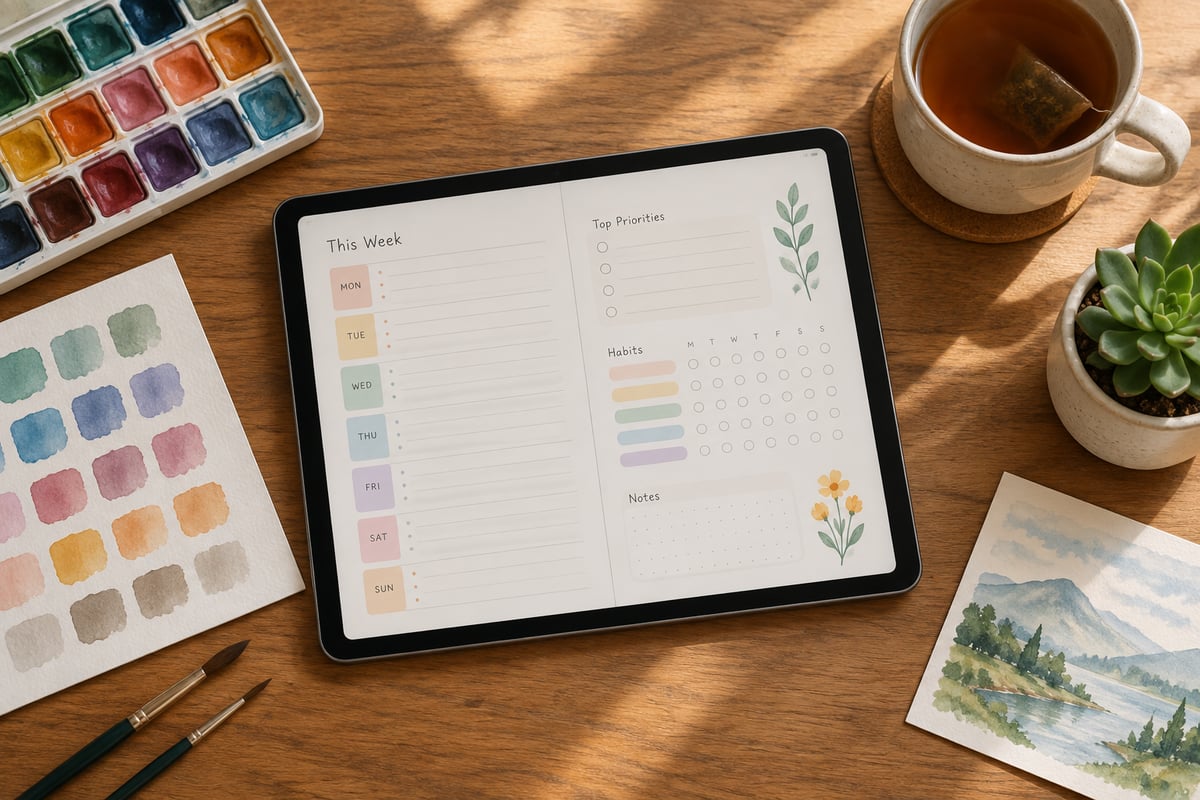
At SelfLoveJourney33, we understand this balance first-hand. Running an active shop involving printable wall art, digital products, and graphic T-shirts has taught us that structure doesn't have to suffocate your art—in fact, it protects it.
Why Traditional Business Trackers Fail Creative Minds
Most traditional business trackers are built for standard corporate workflows. They are heavy on sterile tables, dense jargon, and rigid financial tracking that can feel cold and clinical. For a creative entrepreneur, opening one of these spreadsheets triggers cognitive friction. Instead of feeling motivated, you experience administrative dread, leading to procrastination, creative blocks, and the toxic cycle of "scroll-and-refresh" on your shop dashboard.
To build a sustainable creative business, we must reframe organizational tasks. Utilizing an Etsy business planner shouldn't feel like a chore; it should be approached as a vital act of professional self-care.
[ Administrative Dread ] ──(Causes)──> [ Procrastination & Creative Blocks ]
          │
  (Reframed through Mindful Planning)
          │
          ▼
[ Structured Self-Care ] ──(Enables)──> [ Calmer Workflow & Sustainable Growth ]
When you use a creative business tracker tailored to your cognitive style, you protect your mental bandwidth. Knowing exactly where your digital assets, listing drafts, and financial numbers live allows you to create with an open, calm mind. Organization is simply the quiet infrastructure that allows your imagination to play safely.
The Mindful Weekly Workflow for Busy Etsy Sellers
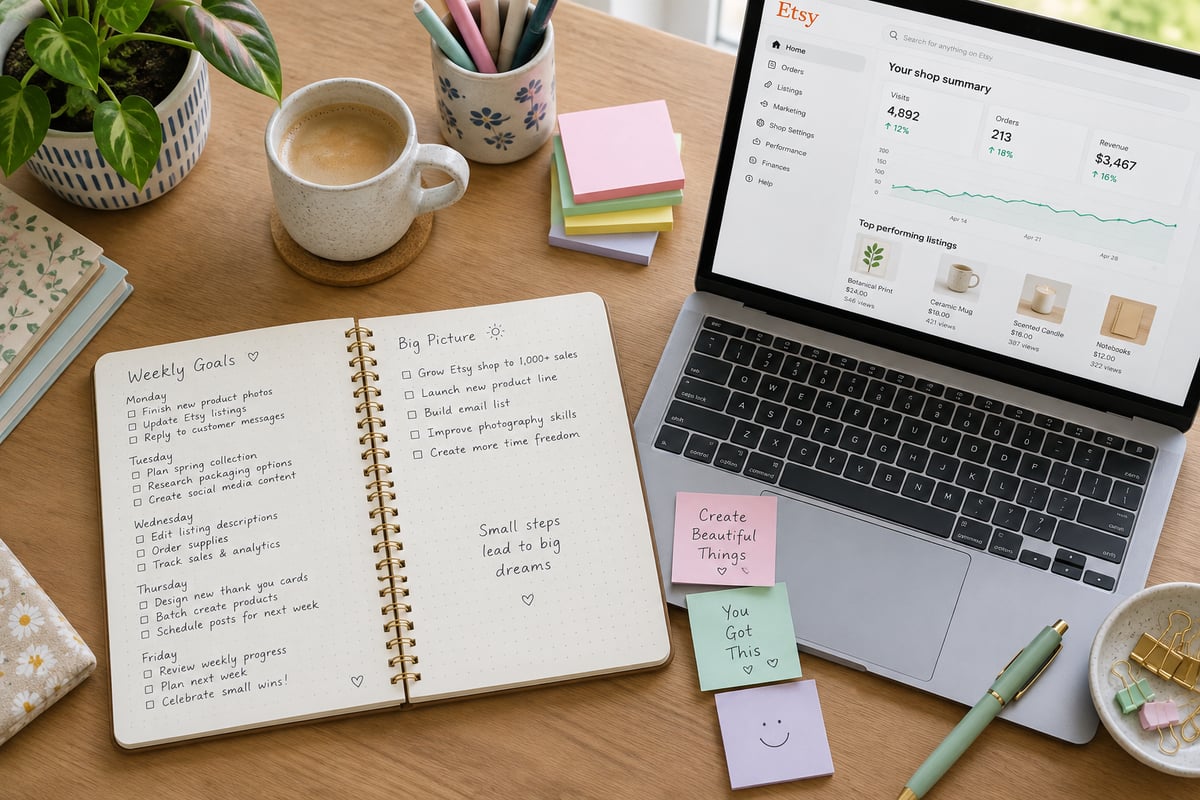
You do not need to manage your shop 24/7. In fact, checking your stats hourly is a recipe for creative burnout. By batching your tasks into a predictable, mindful weekly workflow, you can run your shop in just a few dedicated hours.
Here is a sustainable three-day weekly routine you can integrate directly into your Etsy seller planner:
Monday Admin: Asset Organization & Listing Setup
The start of the week is for setting your physical and digital house in order. Instead of jumping straight into creation, organize your canvas:
- Organize Digital Assets: Group print ratios, final high-resolution files, and listing mockups into clean, dedicated folders on your drive.
- Prepare Listing Drafts: Write your descriptions in a calm, distraction-free text editor before uploading them to the Etsy Shop Manager.
- Format Metadata: Keep a checklist of your asset sizes. For example, if you sell digital downloads, ensure your files are organized by aspect ratio (2:3, 3:4, 4:5, and ISO) so they are ready for instant customer delivery.
Wednesday SEO Polish: Mindful Keyword Updates
SEO shouldn't feel like trying to trick an algorithm. Approach it as a way of helping the right person discover your art.
- Review Search Performance: Use your Etsy SEO tracker to identify listings that are losing search visibility.
- Incorporate Authentic Keywords: Check Marmalead or the Etsy Seller Handbook for search trends, but avoid keyword stuffing. Choose terms that accurately describe your aesthetic.
- Refresh Tags and Titles: Update 2–3 older listings with fresh tags rather than trying to overhaul your entire shop at once.
Friday Financial Self-Care: Mindful Bookkeeping
End your week by looking at your numbers with gratitude rather than fear.
- Log Transactions: Input your raw sales data, materials cost, and Etsy fees into your Etsy bookkeeping spreadsheet.
- Track Net Profits: Calculate what you actually kept after transaction fees, offsite ad costs, and listing renewals.
- Set Boundaries: Once your Friday financial review is complete, close your shop manager. Give yourself permission to rest over the weekend without checking your statistics.
Structuring Workflows for Digital Products and Print-on-Demand (POD)
Digital downloads and Print-on-Demand (POD) models offer incredible freedom, but they present unique logistical challenges. Without proper Etsy shop organization, your cloud storage can quickly become a chaotic digital landfill.
📁 Shop Assets Root Directory
│
├── 📁 01_Product_Designs (Master PSD/Procreate files)
│
├── 📁 02_Listing_Mockups (Formatted JPEGs for Etsy storefront)
│
└── 📁 03_Customer_Delivery_Files
    ├── 📁 2x3_Ratio (e.g., 24x36 inches)
    ├── 📁 3x4_Ratio (e.g., 18x24 inches)
    ├── 📁 4x5_Ratio (e.g., 16x20 inches)
    └── 📁 ISO_Paper (e.g., A1-A4 sizes)
Digital File Optimization
If you run a digital download shop, you must deliver various file ratios smoothly. At SelfLoveJourney33, we organize printable wall art files into organized, high-resolution formats.
To keep your files manageable, use a dedicated tracking sheet within your digital tools for Etsy to cross-reference:
- Aspect Ratios: Match design files to their correct output sizes (e.g., 2:3 ratio for 24x36" prints, or 4:5 ratio for 16x20" prints).
- File Formats: Keep tracking records of PDF print files vs. 300 DPI high-resolution JPEGs.
- Categorization: Group assets by artistic theme, such as delicate botanical prints, cozy cottagecore decor, spiritual Christian art, witchy designs, or whimsical pet portraits.
The Honest Tradeoffs of Printable Art
As digital creators, it is important to be completely transparent with our audiences. While printable art offers incredible flexibility, budget-friendly home decor opportunities, and instant gratification, the final product is a partnership between your digital design and the customer's physical setup.
Your workflow tracker should contain a copy-and-paste customer care template reminding buyers that:
- Screen Calibration: Colors may vary slightly between computer monitors, tablet screens, and physical paper.
- Printer Quality: A home inkjet printer will yield different results than a professional, commercial-grade giclée print shop.
- Paper Stock: High-weight matte cardstock or textured fine-art paper will drastically elevate final colors compared to cheap, glossy paper.
Simplifying Inventory and Fee Tracking Without Expensive Software
Many new creators fall into the trap of purchasing expensive, recurring software subscriptions to track their inventory and bookkeeping. While tools like Craftybase are wonderful for high-volume physical businesses, most intermediate creators can successfully run their shops using a streamlined, custom Etsy inventory spreadsheet.
True Net Profit = Gross Revenue - (Listing Fees + Transaction Fees + Offsite Ad Costs + Shipping/Packaging + COGS)
The native Etsy Shop Manager stats only tell part of the story. They highlight your gross sales, but they often obscure the real numbers:
| Fee Type | What It Actually Costs | Why You Must Track It |
|---|---|---|
| Listing Fee | $0.20 per listing | Renews every 4 months or upon sale; can add up quietly if you have hundreds of active listings. |
| Transaction Fee | 6.5% of total order | Applied directly to the item price, shipping cost, and gift wrap charges. |
| Payment Processing | Domestic rates vary by country | A flat fee plus a percentage for managing secure payments. |
| Offsite Ads | 12% to 15% on attributed sales | Can take a significant bite out of your margins if you do not budget for them in your base pricing. |
To calculate your actual Cost of Goods Sold (COGS), keep your inventory sheet updated with physical materials (blank graphic T-shirts, packaging mailers, sticker paper) or digital upkeep costs (software licenses, font commercial rights). When you track these fees on Friday afternoons, you protect your business from hidden financial leaks and gain a realistic view of your true profit margins.
Designing a Healthy, Mindful Workspace for Long-Term Success
While digital organization is critical, the physical environment where you work directly impacts your administrative focus and creative energy. If your desk is cluttered, or your physical well-being is neglected, administrative tasks will continue to feel overwhelming.
To build a sustainable routine, integrate wellness and physical ergonomics directly into your daily shop schedule:
- Desk Ergonomics: Set your screen at eye level to prevent neck strain and keep your shoulders relaxed.
- Environmental Cues: Keep your desk free of clutter. Place a physical copy of your Etsy seller planner or a clean notebook beside your keyboard to write down distracting thoughts during deep creative sessions.
- Physical Wellness and Hydration: It is incredibly easy to lose track of time when editing print ratios or researching tags. Staying hydrated at your desk is crucial for sustaining high levels of focus and preventing afternoon fatigue. Follow the established CDC water safety guidelines to keep fresh, clean drinking water at your workstation throughout the day.
- Safe Studio Practices: If you operate a physical home studio for packing prints or pressing graphic T-shirts, maintaining access to safe, clean water through municipal systems monitored under EPA drinking water regulations ensures your work environment remains safe. Adhering to trusted global safety baselines, such as the WHO water quality standards, supports not only your physical health but also your daily creative endurance.
Choosing Your Tracker: Digital Planners vs. Spreadsheets
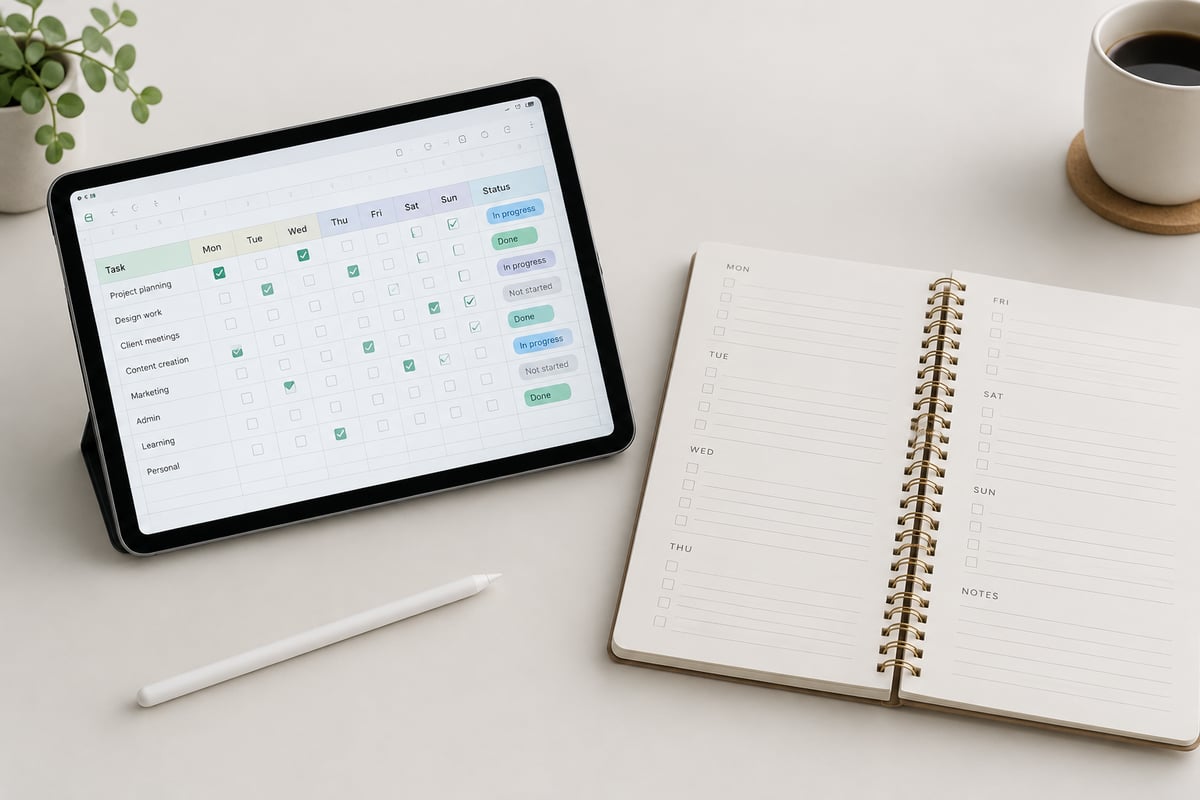
Choosing the right administrative tool depends entirely on your personal cognitive style. There is no "perfect" tool—only the tool that you actually look forward to opening and using every day.
                  [ Choose Your Tracker Style ]
                                │
       ┌────────────────────────┴────────────────────────┐
       ▼                                                 ▼
[ Visual/Intuitive Learners ]                 [ Data-Driven/Analytical ]
  - GoodNotes, Notion, iPad                     - Google Sheets, Excel
  - Focuses on creative flow                    - Focuses on automation
  - High aesthetic satisfaction                 - High computational power
Visual and Intuitive Planners (GoodNotes, Notion, iPad)
If you are a visual thinker who processes information through color, spatial layout, and handwriting, a digital planner template is your best choice. Using a tablet with a stylus allows you to physically write down your goals, sketch listing layout ideas, and check off your weekly admin tasks.
- Pros: Highly engaging, aesthetically pleasing, mimics the calming tactile feel of paper planning, and respects your creative brain structure.
- Cons: Cannot automatically calculate complex financial sums or track running inventory numbers.
Automated Spreadsheets (Google Sheets, Microsoft Excel)
If you prefer numbers, data automation, and clear, structured formulas, a dedicated Etsy bookkeeping spreadsheet or inventory sheet is your natural home.
- Pros: Automatically calculates profit margins, tracks physical material counts, and maintains clean columns for tax season.
- Cons: Can feel cold, clinical, and visually intimidating if you are feeling creatively blocked.
The Hybrid Approach
Many successful creators combine these two systems. They use a visual Etsy business planner on their iPad to map out their product releases, sketch designs, and manage social media campaigns, while relying on a simple, automated spreadsheet for weekly bookkeeping and inventory tracking. This keeps your business organized without compromising your personal aesthetic.
Protect Your Creative Spirit
Organizing your creative business shouldn't feel like a clinical chore. By establishing a mindful weekly workflow, organizing your digital assets logically, and selecting administrative tools that treat organization as professional self-care, you protect your creativity and secure your profits. Your shop should reflect your personal taste, values, and sense of humor—not a stressful race to catch every fleeting algorithm trend.
If you are looking for visually inspiring planners, beautiful wall art prints, or creative inspiration designed by a fellow seller, explore the collection at SelfLoveJourney33 on Etsy. Let us help you organize your creative business, decorate your physical studio, and reclaim your peace of mind today.